Configure DPDK
To create a DPDK-enabled vSwitch, you must enable DPDK for the physical host, specify the isolation CPUs for DPDK, and specify the memory size as 2 G.
Procedure
On the top navigation bar, click Cloud Resources.
You are placed on the Sites > Native Sites page.
Click the
 icon for the target native site to access the Web interface of the standard-edition UIS.
On the top navigation bar, click Hosts.
Figure-1 Hosts page
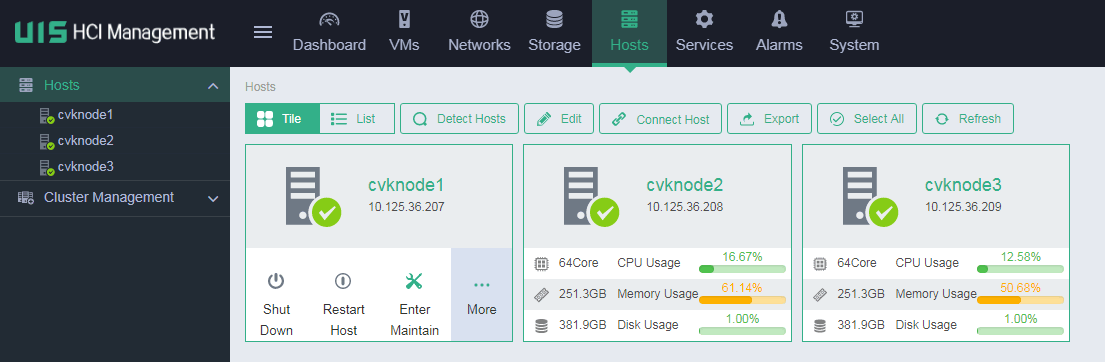
From the left navigation pane, select the target host.
Click the Advanced tab.
Click DPDK Settings.
Enable DPDK.
Figure-2 Enabling DPDK
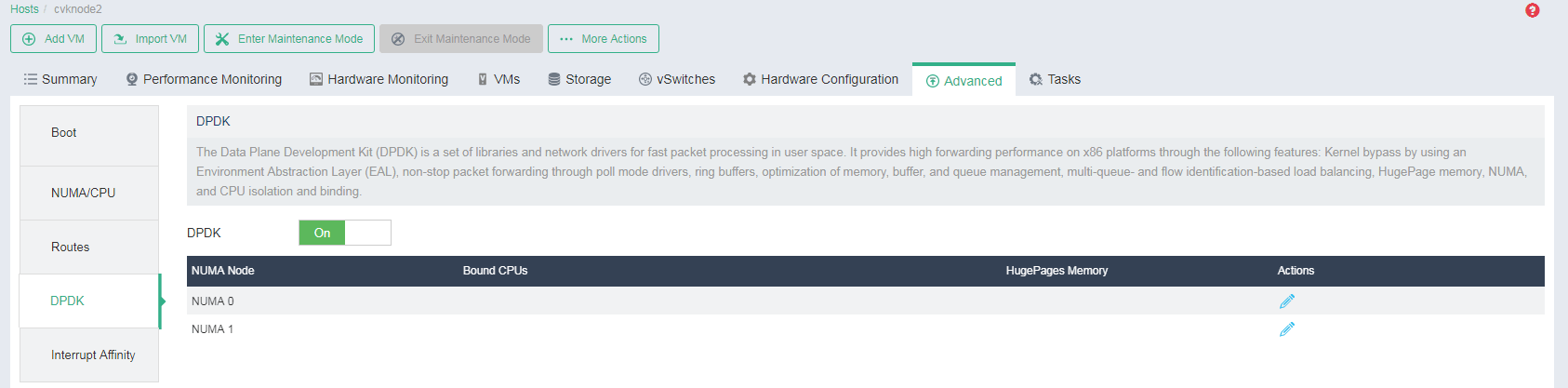
Click the Edit icon
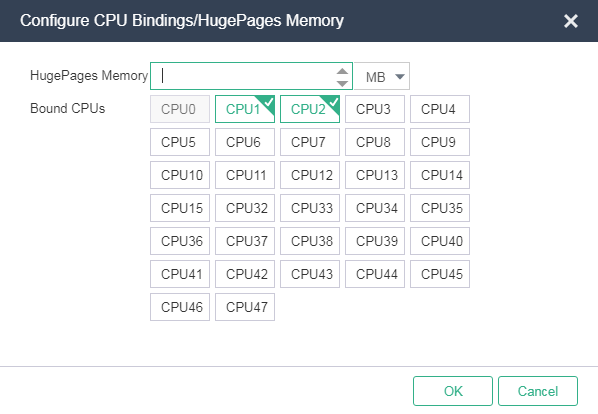
 for each NUMA node, specify the HugePage memory as 2 GB, and select the isolation CPUs specified in "Configure host boot options," and then click OK.
Figure-3 Specifying the HugePage memory and isolation CPUs