Logging in to the firewall
Enter
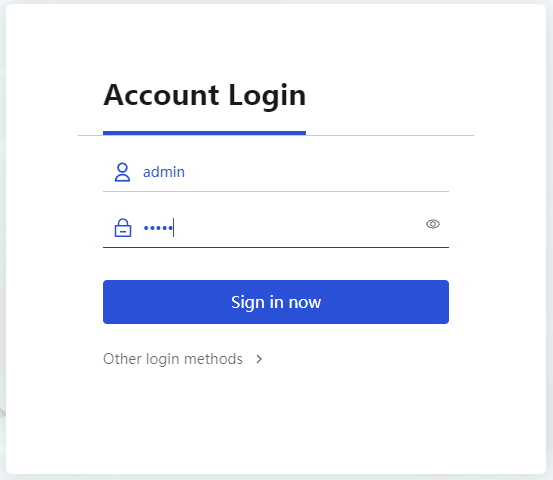
https://192.168.0.1 in the browser address bar on the PC and then pressEnter to log in to the Web interface of the firewall.Enter the default username
admin and passwordadmin , and then clickLogin . Change the login password as prompted.Figure-1 Logging in to the firewall