Create a DPDK-enabled vSwitch
Perform this task to create a DPDK-enabled vSwitch named vs_gateway.
Procedure
On the top navigation bar, click Cloud Resources.
You are placed on the Sites > Native Sites page.
Click the
 icon for the target native site to access the Web interface of the standard-edition UIS.
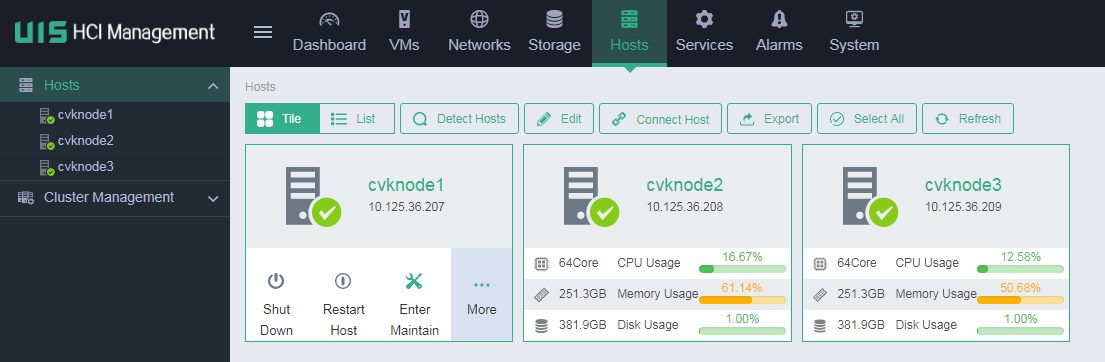
On the top navigation bar, click Hosts.
Figure-1 Hosts page
From the left navigation pane, select the target host.
Click the vSwitches tab.
Click Add.
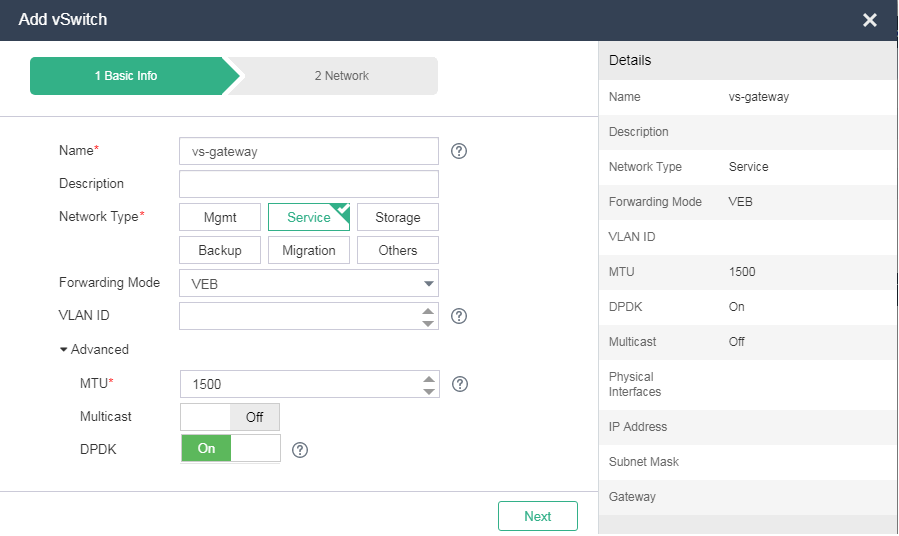
Specify the vSwitch name as vs_gateway, select Service as the network type, and enable DPDK in the Advanced area.
Figure-2 Adding a vSwitch
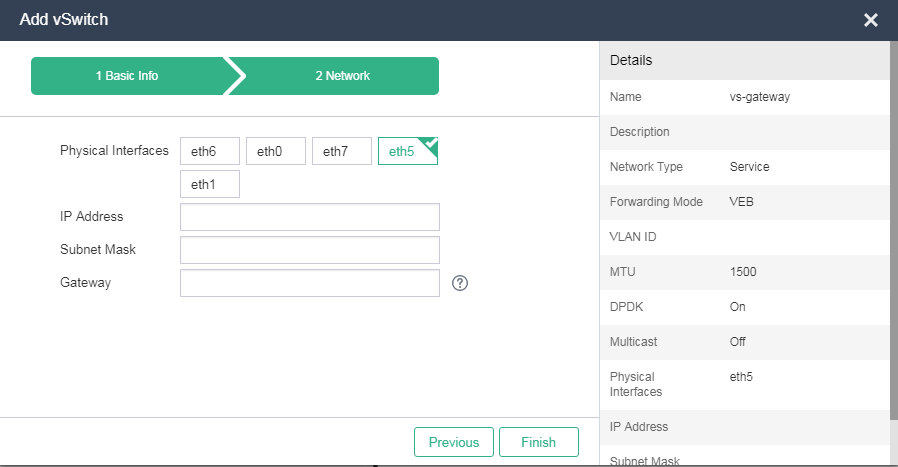
Click Next, and select interfaces on NICs that use the VFIO driver.
Figure-3 Configuring network settings