Edit the NIC driver
Perform this task to specify the driver of the physical NICs to bind to the DPDK-enabled vSwitch as VFIO.
Procedure
On the top navigation bar, click Cloud Resources.
You are placed on the Sites > Native Sites page.
Click the
 icon for the target native site to access the Web interface of the standard-edition UIS.
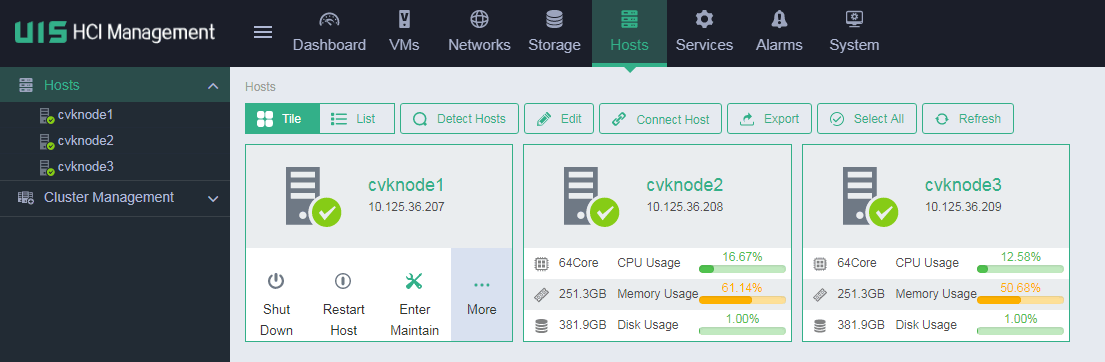
On the top navigation bar, click Hosts.
Figure-3 Hosts page
From the left navigation pane, select the target host.
Click the Hardware Configuration tab.
Click the Edit icon
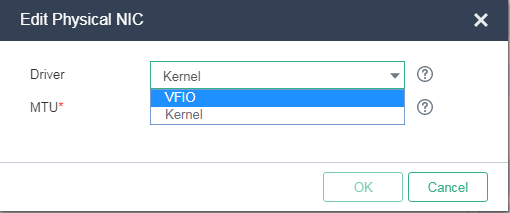
 for the target physical NIC, and then select VFIO as the NIC driver.
Figure-4 Editing the driver of a physical NIC