Add a scheduled extension policy
On the top navigation bar, click Services, and then select DRX > DRX service name from the navigation pane.
Click Scheduled Extension Policy.
Click Add.
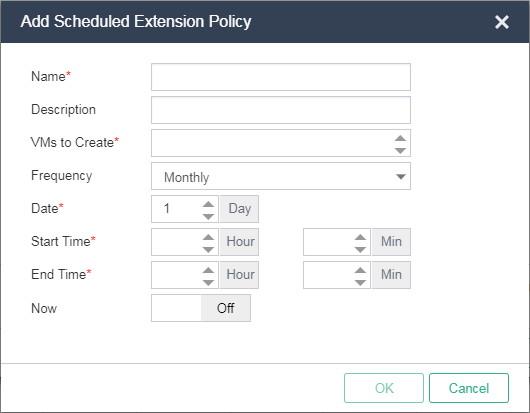
Configure the policy parameters as needed, and then click OK.
|
|
|
On the top navigation bar, click Services, and then select DRX > DRX service name from the navigation pane.
Click Scheduled Extension Policy.
Click Add.
Configure the policy parameters as needed, and then click OK.
|
|
|