Create a recovery plan
On the top navigation bar, click Services.
From the left navigation pane, select Disaster Recovery Management > Recovery Plans.
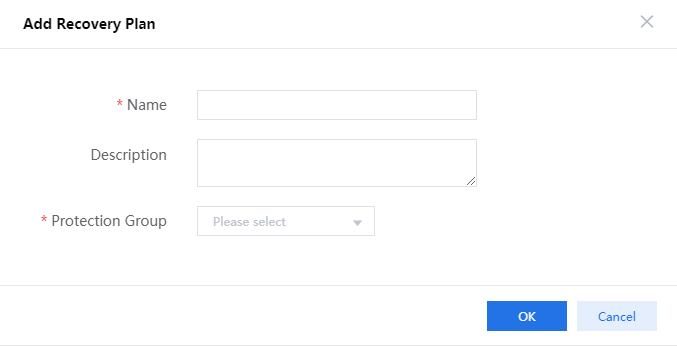
Click Add Recovery Plan.
Enter a name and a description, select the protection group you have added, select a cluster for accommodating recovered VMs, and then click OK.
The recovery plan is in Initialize state after creation.
Figure-1 Configuring the recovery plan