Access the destination VM
Access the console of the destination VM and exit the H3C Converter Platform.
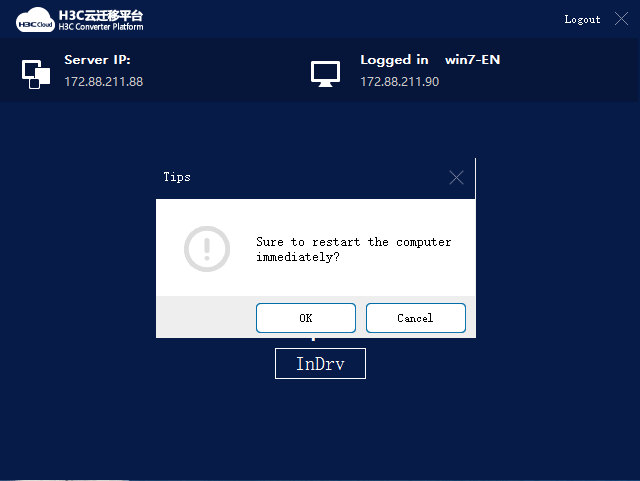
At the prompt, click OK to restart the destination VM.
If you cannot access the VM's operating system or the system prompts partition or disk not found, power off the VM, restart the VM, and select boot from CAS.
Figure-1 Restarting the destination VM
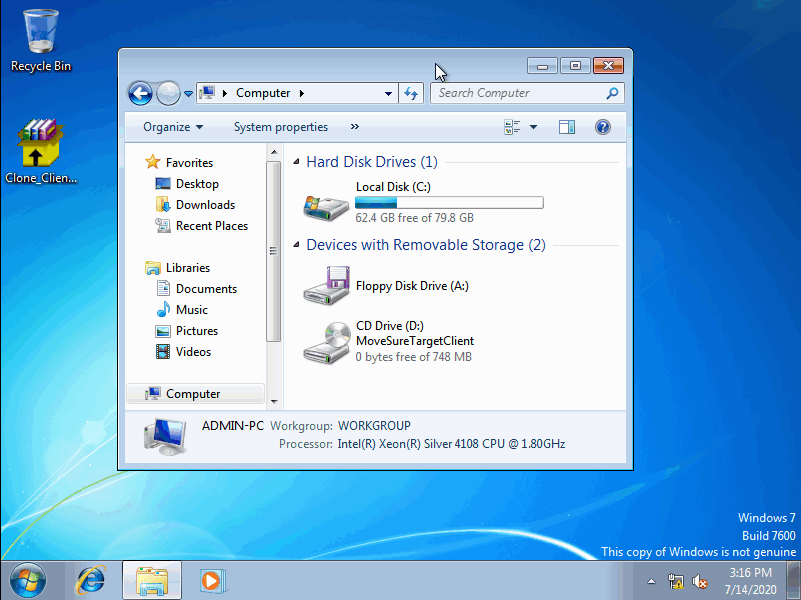
Enter the username and password and access the destination VM. Verify that all data in the source device has been migrated to the destination VM.
By default, the destination VM uses the same username and password as the source device.
Figure-2 Verifying data on the destination VM