Configure a driver
The system can detect disk driver incompatibility risks for a migration task. You can export information about the hardware that might have driver incompatibility issues and import drivers for the hardware to the destination VM.
To configure a driver:
On the top navigation bar, click Services.
From the left navigation pane, select Heterogeneous Migration.
Select the Migration Tasks tab.
Click the source device name of a migration task.
Click Set Driver.
Figure-1 Configuring a driver
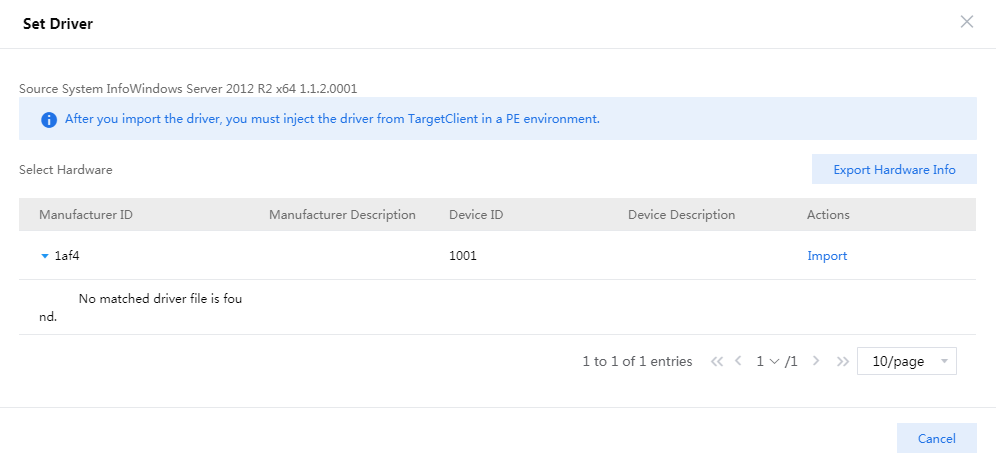
Click Export Hardware Info. The system exports hardware information about disks of the destination VM in TXT format.
Open the downloaded file to view information about the required drivers. The file name is Destination_VM_name Driver Hardware Info.txt.
Compress driver files to be uploaded into a .zip file and name the compressed file mptspi.zip.
Typically, driver files are .sys or .inf files and .ko files for Windows and Linux, respectively.
Make sure the compressed file does not contain multi-layered folders.
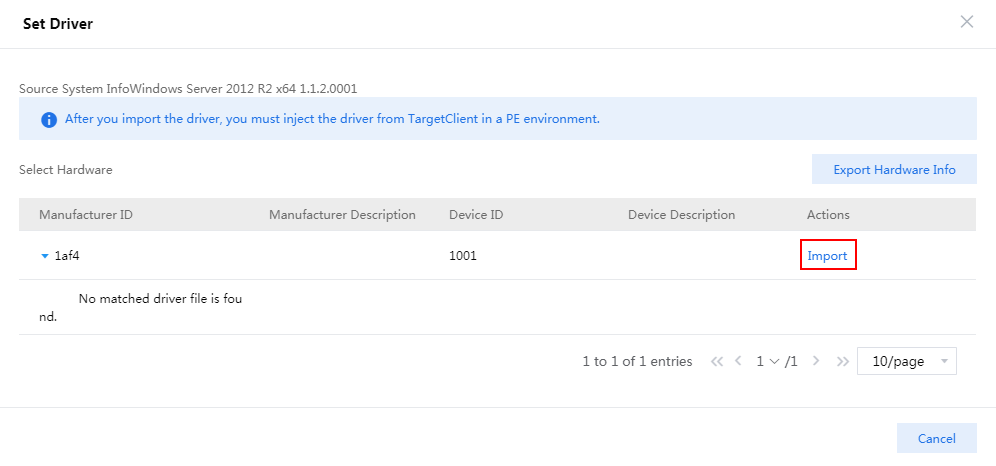
On the detailed task information page, click Import to import the compressed file to CAS CVM.
Figure-2 Importing the compressed file to CAS CVM
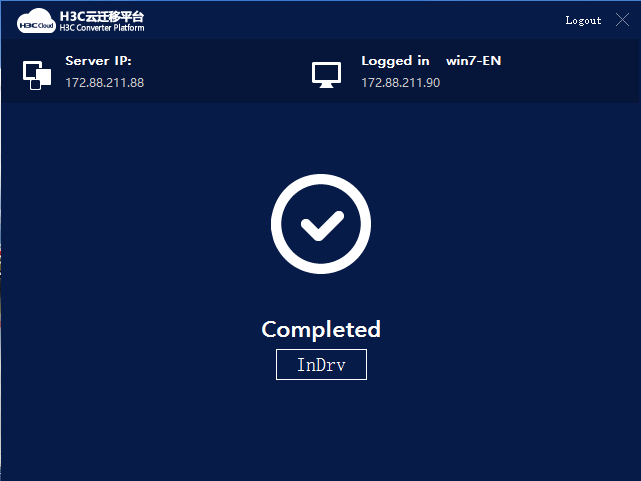
Click InDrv in TargetClient to install drivers to the destination VM.
Figure-3 Installing drivers